Best File Upload Libraries for Web Apps

File upload libraries simplify adding upload functionality to web apps. They handle tasks like storage, performance optimization, and framework compatibility. Here's a quick overview of the top options:
- Simple File Upload: A managed service that handles storage, CDN delivery, and image processing. Works with React and JavaScript. Plans start at $35/month.
- Dropzone: Drag-and-drop functionality with broad framework support. Free to use but requires setup for specific frameworks.
- Uppy: Modular library with plugins for handling large files, resumable uploads, and custom workflows. Free but can be complex to configure.
- Multer: Node.js middleware for server-side file handling with Express.js. Free but lacks frontend features.
- React Dropzone: Lightweight library for React projects with a hook-based API. Free but limited to React 16.8+.
Quick Comparison:
| Library | Best For | Pricing | Main Limitation |
|---|---|---|---|
| Simple File Upload | Full-service solution | $35–$250/month | Subscription costs |
| Dropzone | Drag-and-drop UI | Free | Extra setup for frameworks |
| Uppy | Custom workflows | Free | Plugin setup complexity |
| Multer | Backend processing | Free | No frontend functionality |
| React Dropzone | React apps | Free | React-only support |
Each library offers unique strengths. Choose based on your project’s needs, whether it's a managed service, framework-specific tools, or backend-focused solutions.
Choosing the Best Library for Node.js File Uploads: Multer vs Express-FileUpload

1. Simple File Upload
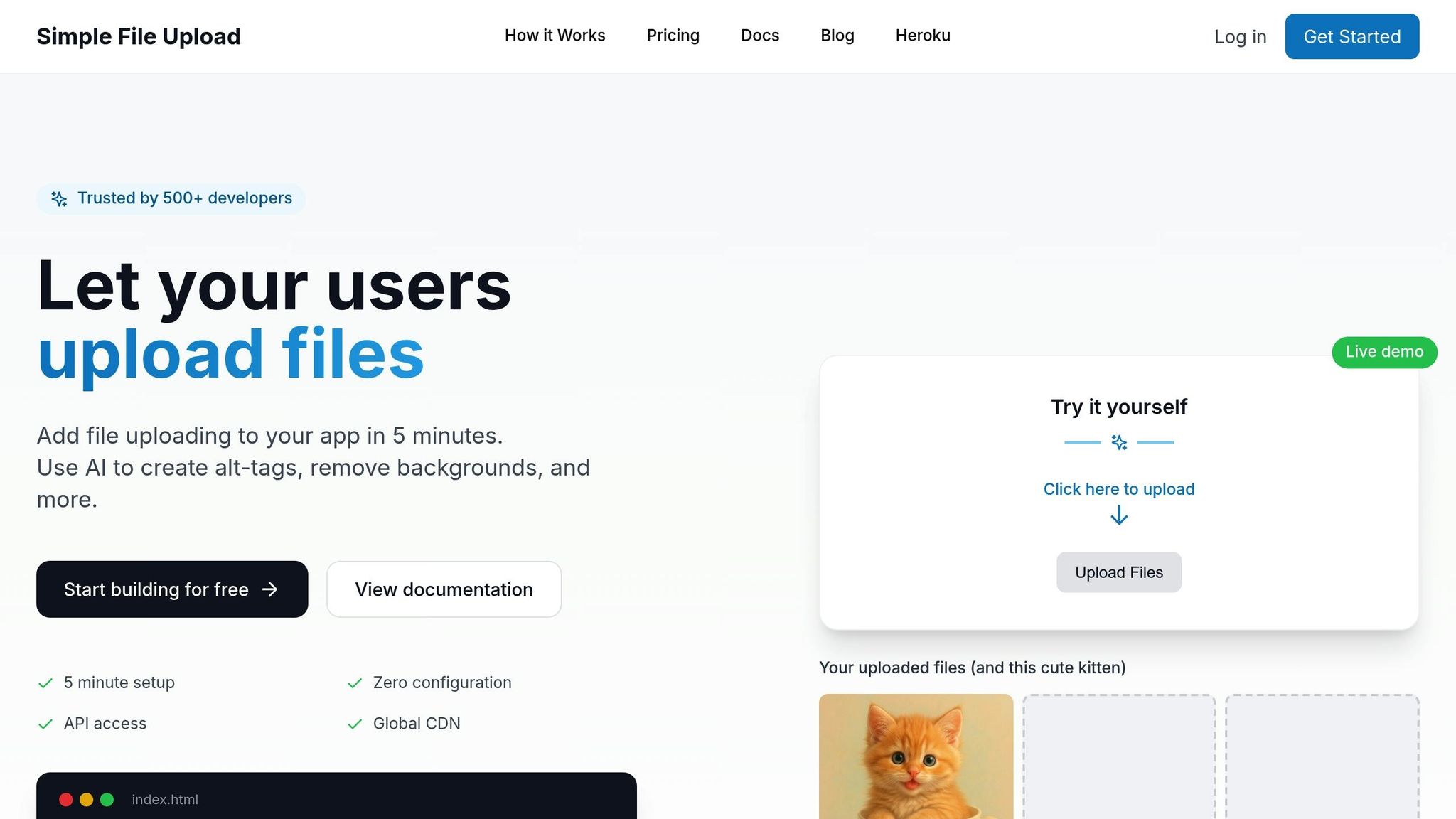
Simple File Upload offers a secure, fully managed API designed to make file uploads quick and easy. It takes care of backend storage, image transformations, and delivery through a global CDN, so you can focus on your app without worrying about the heavy lifting.
Framework Compatibility
This tool seamlessly integrates with React and plain JavaScript, making the setup process straightforward. Files are uploaded directly from the browser to S3, which helps reduce server load and simplifies backend configuration.
Performance Features
Simple File Upload is built for speed. It includes features like dynamic image resizing, direct cloud uploads, and delivery through a global CDN. These capabilities not only improve performance but also help minimize bandwidth usage.
Customization Options
The built-in Template Customizer allows you to tweak themes without needing CSS knowledge. Plus, its prebuilt widget supports uploads of anywhere from 1 to 50 files at a time, giving you flexibility based on your specific needs.
Pricing
- Basic Plan: $35/month for 25 GB of storage and a 5 MB maximum file size.
- Pro Plan: $80/month for 100 GB of storage and a 50 MB maximum file size.
- Enterprise Plan: $250/month for 500 GB of storage, along with dedicated support.
Up next, let’s take a closer look at another effective tool: Dropzone.
2. Dropzone
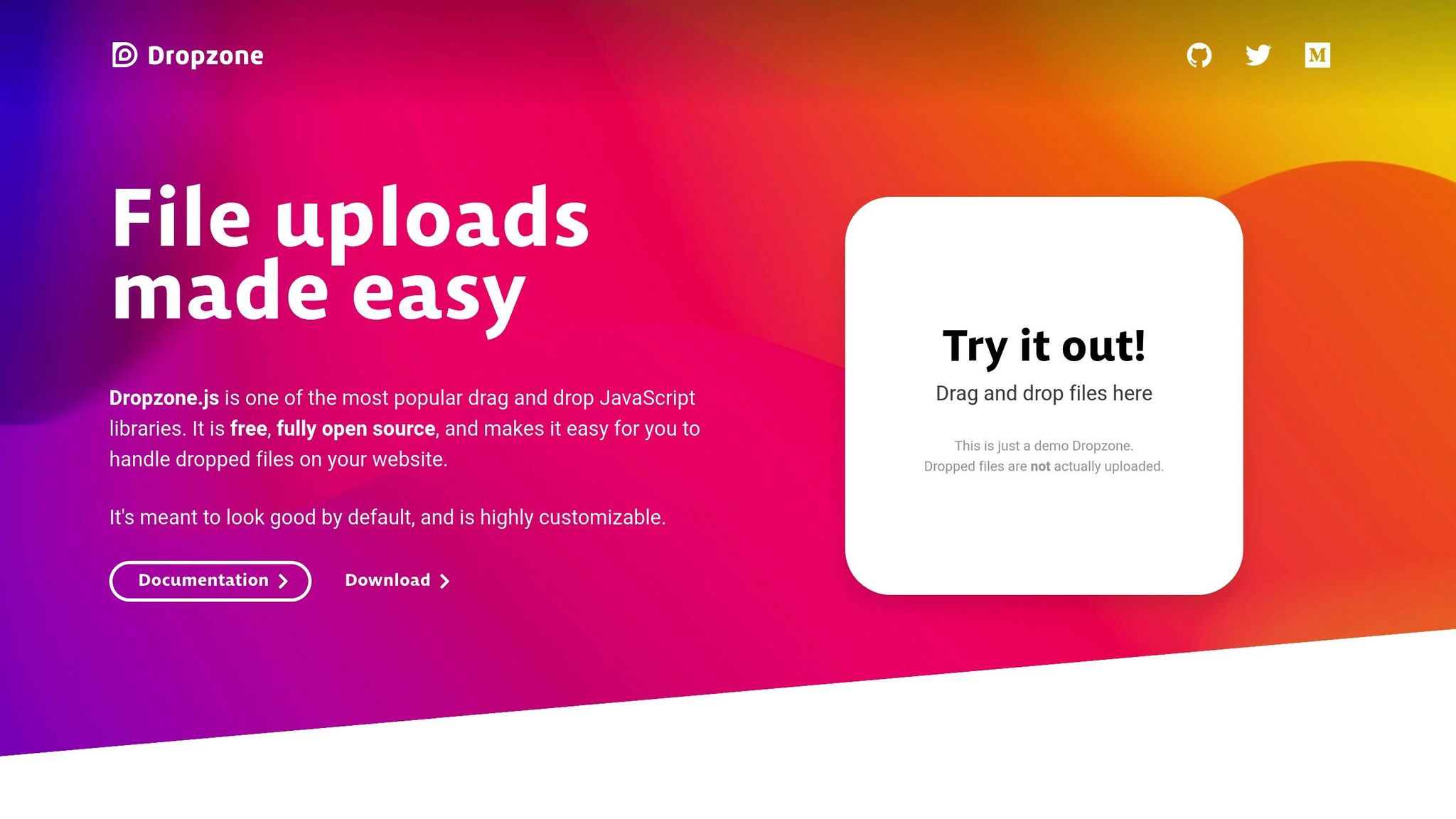
Dropzone is a JavaScript library designed to add drag-and-drop file upload functionality to web applications. Its framework-independent nature ensures you can use it across a variety of projects without being tied to a specific tech stack.
Framework Compatibility
Dropzone works seamlessly with popular front-end frameworks, offering tailored implementations to simplify integration. For developers using React, the react-dropzone package provides a hook-based solution through the useDropzone hook, which requires React 16.8 or newer. Here's an example of how to use it:
import React, { useCallback } from 'react';
import { useDropzone } from 'react-dropzone';

function MyDropzone() {
  const onDrop = useCallback(acceptedFiles => {
    // Handle the accepted files here
  }, []);
  const { getRootProps, getInputProps, isDragActive } = useDropzone({ onDrop });

  return (
    <div {...getRootProps()}>
      <input {...getInputProps()} />
      {isDragActive
        ? <p>Drop the files here...</p>
        : <p>Drag 'n' drop some files here, or click to select files</p>}
    </div>
  );
}

export default MyDropzone;
Vue developers can also take advantage of Dropzone's flexibility. For Vue 3, the vue3-dropzone package uses Vue 3's Composition API and a dedicated hook. On the other hand, Vue 2 projects can rely on vue-dropzone (also known as vue2-dropzone), which offers a component-based approach but doesn’t support Vue 3. This adaptability ensures Dropzone remains a solid choice for developers working with different frameworks.
3. Uppy
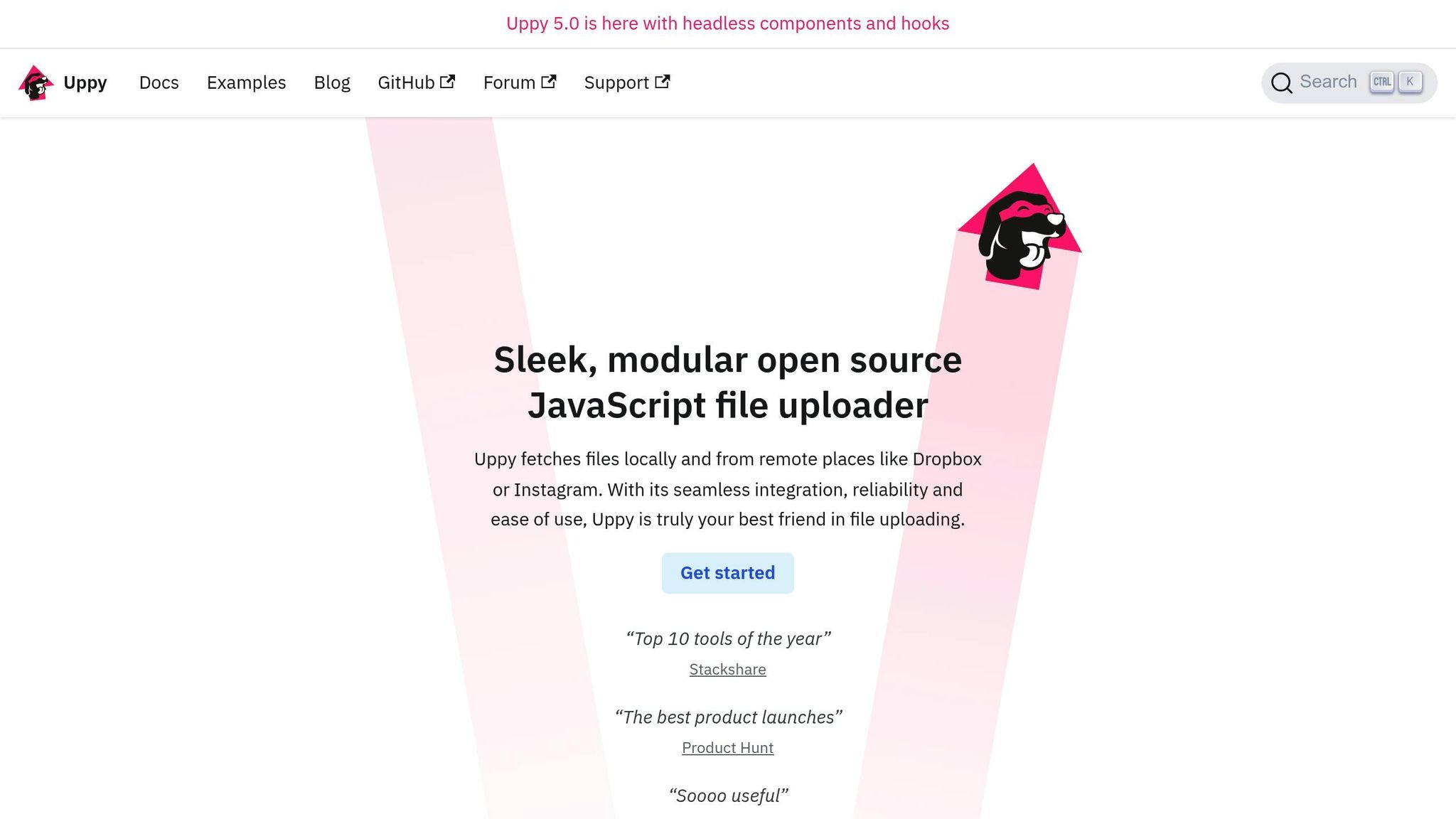
Uppy brings a flexible, modular approach to file uploads, making it stand out in the landscape of upload tools. This library is built with a plugin-based architecture, allowing developers to fine-tune upload workflows while ensuring smooth handling of large and simultaneous file uploads. It’s designed with modern web development in mind, delivering both adaptability and performance.
Performance Features
Uppy is designed to handle large file uploads efficiently, thanks to several built-in optimizations. One standout feature is its support for resumable uploads through the Tus plugin, which allows uploads to continue seamlessly after interruptions like network issues or browser crashes. It also employs chunked uploads, breaking large files into smaller pieces for easier processing. To speed things up, Uppy processes multiple files simultaneously using parallel uploads by default.
To prevent browser overload, Uppy includes an internal queue system that respects browser limitations, such as the 6–7 concurrent connection limit for HTTP/1.1. It also incorporates configurable retry logic to handle temporary network issues, ensuring uploads are reliable and efficient. The Golden Retriever plugin adds another layer of convenience by enabling file recovery, so users don’t have to re-upload files after crashes or accidental page navigations.
Customization Options
What sets Uppy apart is its ability to adapt to specific needs through plugins. For instance, you can tweak the Dashboard plugin to disable thumbnails, which can significantly reduce memory usage when working with a large number of files. Developers can also configure retry patterns, setting custom delays to suit unique requirements. If you're using multiple Uppy instances, each maintains its own queue, allowing you to manage concurrency limits separately and prevent connection congestion.
These features make Uppy a versatile and efficient choice for developers looking to create tailored, high-performance file upload solutions. Whether you're dealing with large files, unreliable networks, or specific workflow requirements, Uppy has the tools to meet those challenges.
4. Multer
Multer is a middleware designed to handle file uploads in Node.js, specifically tailored for use with Express.js. It focuses exclusively on handling multipart/form-data, making it a reliable choice for managing file uploads.
Framework Compatibility
Multer works effortlessly with Express.js, thanks to its middleware setup. You can easily enable file uploads for specific routes by using a simple configuration like app.post('/upload', upload.single('file')). This approach ensures file handling only occurs where it's explicitly needed, keeping your application organized and maintaining a clear separation of responsibilities.
When handling uploads, Multer automatically assigns form fields to req.body and attaches file data to req.file (or req.files for multiple files). This seamless integration simplifies processing multipart data while maintaining efficiency.
Performance Features
By leveraging Busboy, Multer processes multipart data with optimized algorithms, converting it into JavaScript objects quickly and efficiently. This ensures that file uploads are handled with minimal performance overhead, focusing processing only on the routes where it’s applied.
Customization Options
Multer is not just fast - it’s also highly flexible. You can configure storage destinations, define custom file naming conventions, and filter files based on type or size. It supports both disk and memory storage, giving you the freedom to choose the best fit for your needs. With methods like upload.single(), upload.array(), or upload.fields(), you can tailor Multer to handle uploads in a way that aligns with your application's requirements. Additionally, applying Multer only to specific routes helps reduce security risks while keeping your application streamlined.
5. React Dropzone
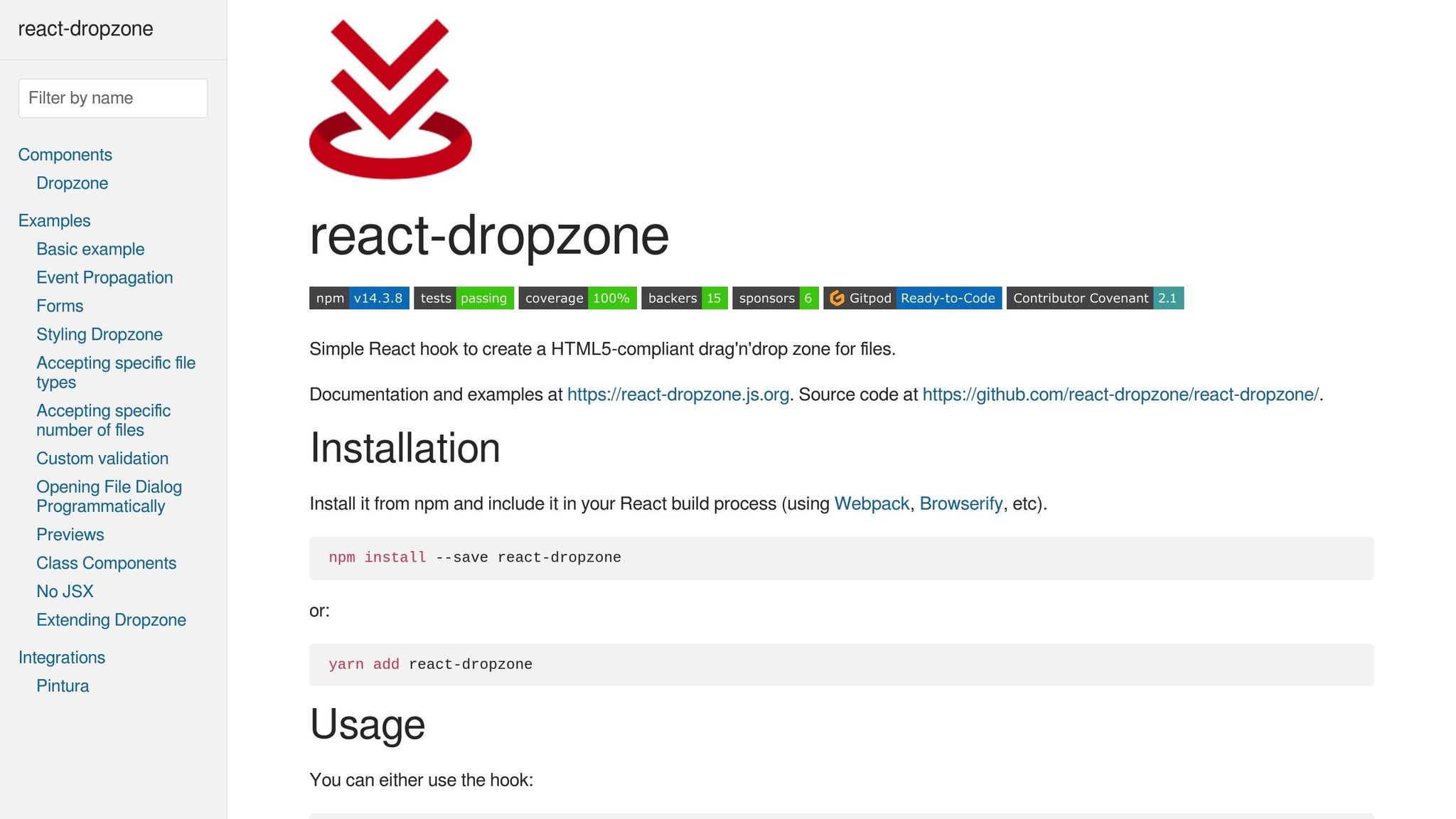
React Dropzone is a lightweight library designed to bring drag-and-drop file upload functionality to React applications. Whether users drag files directly or click to select them, this tool simplifies the process of handling uploads while allowing developers to fully customize the interface.
Framework Compatibility
React Dropzone integrates seamlessly into React projects with its hook-based API. The useDropzone hook provides everything you need to manage file uploads, including props and state management. Developers can easily destructure properties like getRootProps, getInputProps, and isDragActive to create custom upload components that fit their application's design.
It works well with popular frameworks like Next.js, Gatsby, and Create React App. Plus, it pairs effortlessly with state management tools and form libraries such as React Hook Form or Formik, thanks to its flexible hook pattern.
Performance Features
React Dropzone is built with performance in mind, weighing just 11.2 KB gzipped. By relying on native HTML5 drag-and-drop APIs, it ensures smooth interactions without unnecessary JavaScript overhead. The library efficiently handles multiple file uploads and includes built-in file validation, ensuring files are checked before being processed by your app. Files are only processed when they're actually dropped or selected, minimizing memory usage and maintaining responsiveness - even when working with large files or numerous uploads.
Customization Options
Customization is a key strength of React Dropzone. Its API allows you to:
-
Specify file types using the
acceptprop -
Set size limits with
maxSize -
Restrict the number of files with
maxFiles - Add custom validation functions
You also have full control over the user interface. React Dropzone handles the core functionality, leaving the design entirely in your hands. Style active drag states, show file previews, display upload progress, or implement disabled states. It even supports advanced features like multiple file selection and folder uploads using the webkitdirectory attribute.
This flexibility makes it easy to create a file upload interface that’s efficient, user-friendly, and perfectly aligned with your app's design.
Comparison of Features and Drawbacks
Here’s a quick rundown of the key features and trade-offs for some popular file upload solutions, based on the details shared earlier.
Simple File Upload is a fully managed service that takes care of everything from storage to CDN delivery and even AI-powered tools, so you don’t need to worry about server management. It also includes built-in image transformations and works seamlessly with major frameworks. But this convenience comes at a price, with subscription costs starting at $35 per month. Additionally, file size limits range from 5 MB on the Basic plan to 50 MB on higher tiers.
Dropzone is a versatile tool that works across different frameworks and offers an easy drag-and-drop interface with minimal setup. However, if you’re using frameworks like React or Vue, you’ll need to do some extra configuration to make it work smoothly.
Uppy stands out for its modular plugin system, letting you pick and choose the features you need to keep your bundle size in check. The downside? Setting up multiple plugins can get a bit complicated.
Multer is a backend-focused Node.js middleware designed for handling file uploads. It’s lightweight, reliable, and works well with any client-side library. However, it doesn’t offer any frontend functionality, so you’ll need to pair it with a separate frontend solution.
React Dropzone is specifically built for React apps. It uses a hook-based API and has a small bundle size of just 11.2 KB gzipped, making it a compact and efficient choice for React projects. That said, it only works with React 16.8 or newer.
| Library | Best For | Bundle Size | Pricing | Main Limitation |
|---|---|---|---|---|
| Simple File Upload | Full-service solution | N/A (hosted) | $35–$250/month | Ongoing subscription costs |
| Dropzone | Implementation | ~50 KB | Free | Additional setup for frameworks |
| Uppy | Feature-rich uploads | Varies by plugins | Free | Setup complexity with plugins |
| Multer | Server-side processing | ~15 KB | Free | Backend-only, no frontend support |
| React Dropzone | React applications | 11.2 KB | Free | Limited to React projects |
Each of these tools caters to specific needs. For a full-service, hassle-free option, Simple File Upload is a strong choice. If you’re focused on React, React Dropzone is lightweight and straightforward. Uppy is ideal for highly customizable setups, while Dropzone offers simplicity with broad compatibility. Lastly, Multer is perfect for backend processing in Node.js. The best fit will depend on your team’s expertise, budget, and the specific requirements of your project.
Conclusion
Choose a file upload library that best fits your project's technical requirements, budget, and overall workflow.
If you're looking for a fully managed solution that takes care of uploads, storage, CDN delivery, and advanced image processing, Simple File Upload is a strong contender, starting at $35 per month.
For React projects, React Dropzone offers a modern and streamlined integration with its hook-based API, making it a go-to choice for developers working in that ecosystem.
Uppy stands out for its modular plugin system, allowing extensive customization, while Dropzone provides broad compatibility across frameworks, though it may require additional configuration depending on your setup.
Finally, Multer is an excellent backend-focused middleware for Node.js, designed to handle file uploads efficiently.
Each of these tools has its own strengths and trade-offs. Whether you need a comprehensive, managed service like Simple File Upload or the flexibility of open-source solutions, the best choice will depend on your team's specific priorities and goals.
FAQs
What should I look for in a file upload library for my web app?
When choosing a file upload library for your web app, prioritize security features like file validation, size restrictions, and secure data transmission via HTTPS. These elements are essential to safeguard both your application and its users.
It's also important to assess how seamlessly the library works with your framework. Look for user-friendly options such as drag-and-drop functionality, support for multiple file uploads, and file previews. These features can greatly improve the overall user experience.
Finally, evaluate the library's documentation, community support, and its ability to manage a variety of file types and sizes effectively. A well-documented library with strong community backing ensures easier implementation and reliable performance for your project over time.
How does Uppy manage large file uploads and handle interruptions during the process?
Uppy uses chunked uploads to split large files into smaller, more manageable parts. This method makes uploading smoother and allows for pausing and resuming if your network connection gets interrupted.
To keep things running smoothly, Uppy also includes automatic retries and can recover from unexpected hiccups, like browser crashes or accidentally leaving the upload page. These features ensure that your file uploads stay on track, even when things don’t go as planned.
What are the key differences between using a managed service like Simple File Upload and free file upload libraries?
A managed service like Simple File Upload takes the hassle out of file handling by providing built-in features like security, compliance, and automation. This not only saves time but also helps minimize risks such as data breaches or file corruption. Designed for dependable performance and the ability to scale, it’s a great choice for projects that demand high performance and enterprise-level tools.
In contrast, free libraries like Dropzone or Multer require manual setup and continuous maintenance. These can work well for smaller projects or developers with specific technical know-how. However, they often don’t include integrated security or compliance features, meaning you’ll need to invest extra effort to implement and manage those aspects yourself.
Related Blog Posts
Ready to simplify uploads?
Join thousands of developers who trust Simple File Upload for seamless integration.