File Upload Code Generator
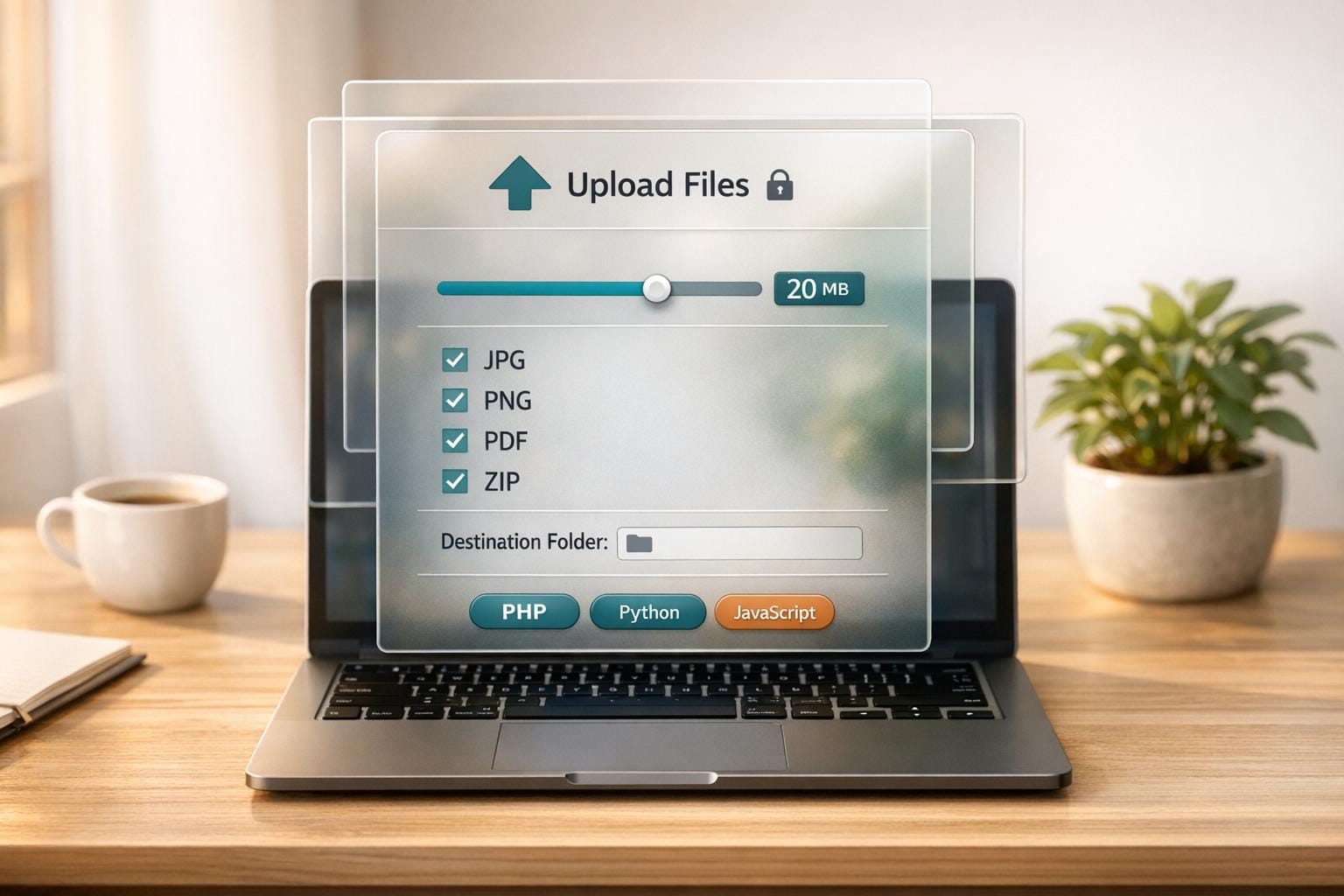
Simplify File Uploads with a Custom Code Generator
Building a file upload feature for your web app doesn’t have to be a slog. Whether you’re coding in PHP, Python, or JavaScript, crafting secure and reliable upload functionality can eat up hours—especially when you’re juggling validation, error handling, and storage options. That’s where a file upload code generator comes in handy. It’s like having a seasoned developer hand you a polished snippet, ready to plug into your project.
Why Automate File Upload Code Creation?
Manually writing upload scripts often leads to overlooked security gaps, like missing file type checks or improper size limits. A dedicated tool streamlines the process, letting you define key parameters—think maximum file size or allowed formats—and instantly get a script that’s both functional and safe. Plus, with options to target local servers or cloud storage, you’ve got flexibility without the grunt work. For developers racing against deadlines, this kind of automation isn’t just a time-saver; it’s a game-changer. So, next time you’re tasked with adding upload capabilities, skip the tedious trial-and-error and let a tailored solution handle the heavy lifting.
FAQs
Which programming languages does this tool support?
Right now, our generator supports PHP, Python, and JavaScript—the big three for web development. We’ve focused on these because they cover a huge range of projects, from server-side apps to frontend uploads. If there’s another language you’d love to see, drop us a note, and we’ll consider adding it down the line!
How does the tool ensure the code is secure?
Security is our priority. The generated code includes validation checks for file size and type to block risky uploads. We also add error handling and follow best practices, like sanitizing inputs and using secure storage methods, so you don’t have to worry about common vulnerabilities sneaking in.
Can I customize where the files are uploaded?
Absolutely! You can choose whether files go to a local server or a cloud destination. Just select your preference in the settings, and the code will be tailored to handle the upload path securely. It’s all about giving you control without the headache of manual tweaks.
Ready to simplify uploads?
Join thousands of developers who trust Simple File Upload for seamless integration.