Image Size Calculator
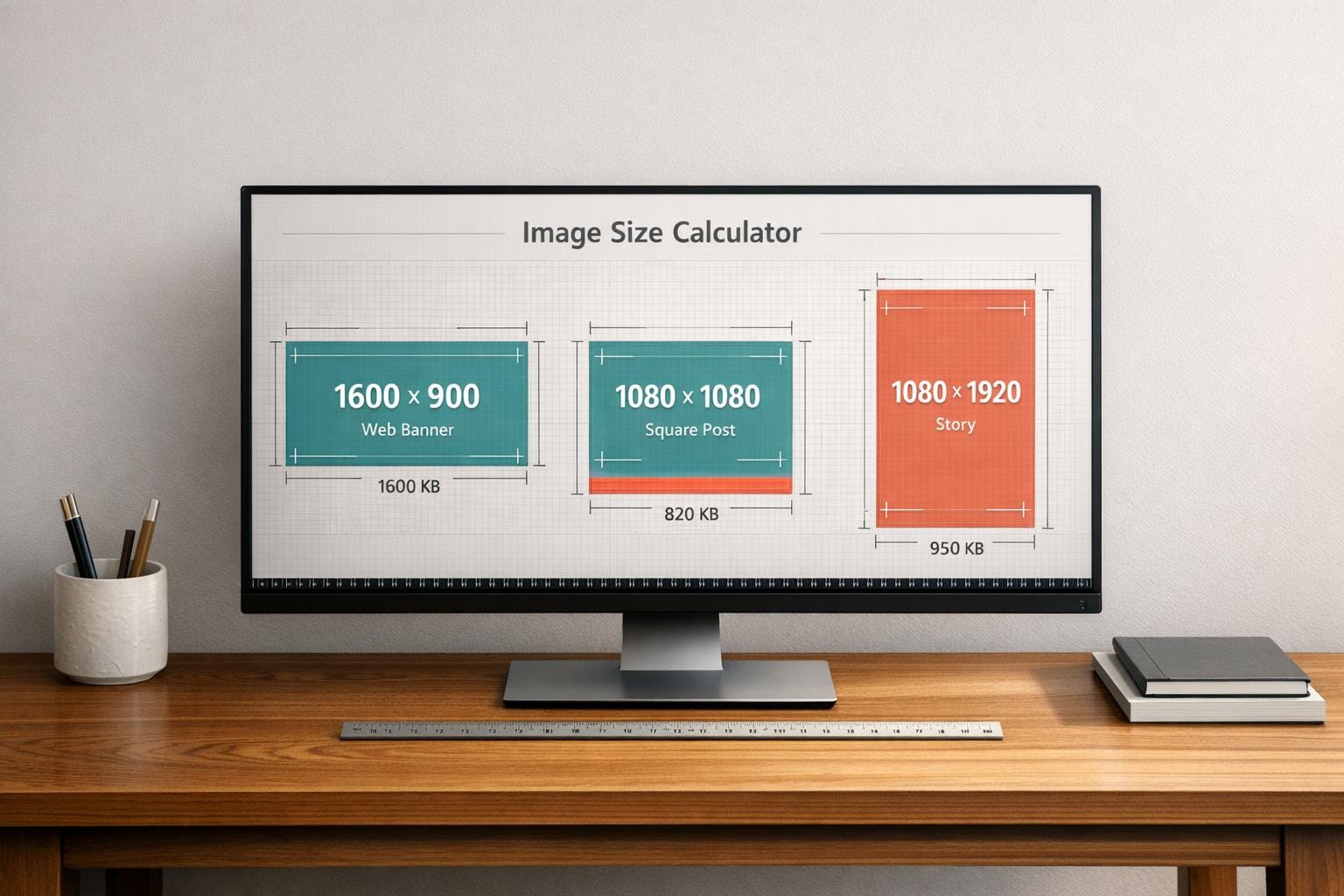
Optimize Your Visuals with an Image Size Calculator
Creating stunning web content or social media posts often comes down to getting the details right—like image dimensions. If you’ve ever uploaded a photo only to find it cropped awkwardly or loading too slowly, you know the frustration. That’s where a tool for calculating optimal image measurements can save the day. It helps ensure your visuals fit perfectly, whether they’re for a website header or an Instagram story.
Why Image Dimensions Matter
Images that aren’t sized correctly can hurt user experience and even your SEO rankings. Search engines favor fast-loading pages, and oversized files are a common culprit for slow load times. On the flip side, images that are too small might look pixelated or stretched. By using a dimension and file size estimator, you take control of how your content appears across platforms. It’s not just about aesthetics; it’s about performance too. For web designers, developers, and marketers, this kind of precision builds trust with your audience. Next time you’re prepping graphics, skip the trial and error. A quick calculation can make all the difference in delivering polished, professional results.
FAQs
How does the Image Size Calculator determine the best dimensions?
Our tool analyzes your input dimensions and matches them to standard sizes for platforms like Facebook, Twitter, or web banners while preserving the aspect ratio. If you’re using custom dimensions, it adjusts proportionally to avoid distortion. We also factor in typical compression rates based on your chosen quality level to estimate the final file size. It’s all about giving you a balance between visual quality and performance.
Why do file sizes change with different quality levels?
File size depends on how much compression is applied. A ‘high’ quality setting keeps more detail, resulting in a larger file, while ‘low’ prioritizes smaller sizes by reducing data, which might slightly impact clarity. Think of it like packing a suitcase—less stuff means it’s lighter, but you might leave out some extras. We show you the trade-off so you can decide what’s best for your project.
Can I use this tool for any type of image or platform?
Absolutely! Whether you’re resizing for a blog, an e-commerce site, or a specific social media channel, this tool adapts to your needs. We’ve got presets for popular platforms, but you can also enter custom dimensions for unique use cases. It works with any common image format as long as you know the starting dimensions. If you’re unsure, just play around with the inputs—it’s super intuitive!
Ready to simplify uploads?
Join thousands of developers who trust Simple File Upload for seamless integration.